GET OUT Controls Guide
Keybinds and handling tips so inventory and combat never slow your extract.
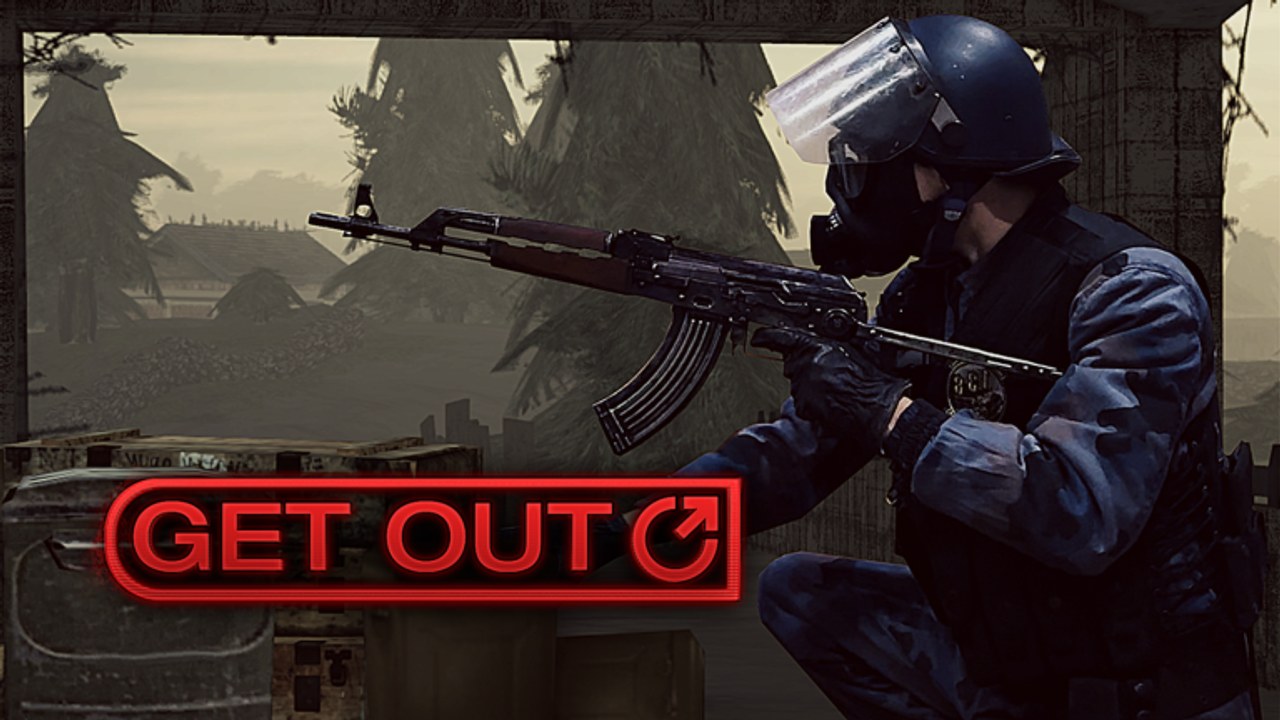
Clean inputs win raids in GET OUT. The loop is simple — deploy, loot, shoot, extract — but clumsy inventory management gets you killed at bunker doors and corner extracts. This Controls guide lists the community-standard keybinds seen across gameplay videos and explains how to practice them before you chase high-tier loot. Use it beside Getting Started and How to Extract.
GET OUT is a Roblox-only early-access PvPvE extraction shooter by DEVIL’S EYE CORPORACIJA. There is no stamina bar to manage and no hunger clock; your limiting factors are aim, information, and how fast you can loot under pressure. Learning the map with M and clearing containers with E should feel automatic within a few raids.
Core keybind table
| Action | Input | Notes |
|---|---|---|
| Move | WASD | Strafe while peeking; avoid sprinting into unknown rooms |
| Sprint | SHIFT | Use for open-field rotates and extract approaches |
| Loot containers | E | Spam-check every crate, cabinet, and body-adjacent container you can safely reach |
| Inventory | TAB | Manage guns, attachments, armor, and drop junk |
| Map | M | First action after deploy; mark extracts and POIs |
| Join team | T | Squad up when you want coordinated peeks |
| Equip | Right-click or drag | Move weapons/armor into active slots quickly |
Exact prompts can shift during alpha and around THE RELAUNCH timing near Monday, November 30, 2026. If a patch remaps a key, update your muscle memory the same day — do not discover it mid-bunker.
Movement habits that matter
WASD plus SHIFT is enough mechanically, but when you sprint matters. Sprint across exposed farmlands and park open ground. Walk or short-burst near bunker entrances, catacombs mouths, and extract buildings where sound and sudden peeks matter. Because there is no stamina drain, sprint spam is possible — that does not make it smart. Constant sprinting removes your ability to hear footsteps and gunfire direction.
Practice stop-strafe-shoot near cover. Vehicles and helicopters change the movement layer entirely: driving or flying is for rotation, not for accurate gunfights. Dismount with cover before you commit to PvP. See Map and Loot for POI spacing that makes vehicle rotates worth it.
Looting with E under pressure
E is your economy button. Efficient looters clear a room in seconds: enter, sweep corners, hit every container, TAB sort, leave. Inefficient looters stare at menus while a third party walks in. Drills:
- In a quiet outer village raid, time how long a full house takes.
- Force yourself to drop low-value clutter so TAB stays readable.
- Prioritize ammo, armor, and a primary upgrade over cosmetic skins.
- Never start a long inventory rearrange on an extract pad.
If gunfire breaks out mid-loot, cancel the shopping spree. Live operators extract; perfect inventory managers who die extract nothing.
Inventory and equip workflow
TAB opens the stash-of-the-moment for your character. Right-click or drag to equip weapons, armor pieces, and attachments. Attachments — scopes, silencers, grips, flashlights — should be applied as soon as you decide to keep a gun. Fighting with an unscoped rifle because you “were going to attach later” is a self-nerf.
Suggested hot habit after every major loot spike:
- Equip best armor/helmet available (tier 3 rigs/helmets when found).
- Make sure a primary is active (MP5, shotgun, Ultimax, M91, M24, MT, M19 — whatever you found).
- Confirm ammo type matches.
- Pocket or secure a sidearm if slots allow.
- Close TAB and re-check audio before moving.
Full combat tuning lives in the Combat Guide. Controls practice is what makes those builds usable in under three seconds.
Map key (M) as a survival tool
Press M at spawn before you chase shots. Note:
- Corner extract locations
- Bunker and catacombs relative to you
- Northern base, farmlands, Nova/Porvika, outer village
- Radiation zones that tax your rotate
- Park/central house if that layout is active
Re-open the map after big fights. Orientation loss causes the worst wipes: winning a gunfight, then jogging the wrong way into another squad. Combine map checks with the leave rules in How to Extract.
Team join (T)
T helps you join a team for online co-op pressure relief. Teammates can split loot rooms, watch extract flanks, and share vehicle seats. Still play as if betrayal or third parties exist — this is PvPvE, not a pure PvE raid. Call simple plans: “loot farmlands, leave south corner,” not essays.
If you prefer solos, skip T and lean harder on map knowledge and quiet routes. Solo players should master E/TAB speed because nobody covers them during inventory.
Platform and settings notes
GET OUT runs on Roblox. Use a mouse and keyboard for competitive play when possible; controller layouts vary by device and Roblox settings. Raise sensitivity gradually until you can track close shotgun peeks without over-flicking long M24 angles. Mute music if it masks footsteps; keep SFX clear.
During early-access, UI text and icons may change. If E no longer loots or M no longer opens the map after a patch, check in-experience prompts and the Updates hub. Do not rely on outdated third-party bind lists without testing in a calm raid.
Practice routine (10 minutes)
- Deploy into a quiet edge of the map.
- Open M, name two extracts out loud.
- Clear three buildings with E only — no optional PvP.
- TAB equip a found attachment on your primary using right-click/drag.
- Sprint-rotate to a corner extract and leave.
Repeat until the sequence feels boring. Boring controls mean your brain is free for bunker peeks and extract camping reads. Then return to the Guides Hub and push harder content.
Related pages
- Getting Started — first raid structure
- How to Extract — leave timing and heli caution
- Map and Loot — where to walk after you can move cleanly
- Combat Guide — what to shoot once inputs are solid
Master the keyboard layer and GET OUT becomes a decision game instead of a fumble game.
Frequently Asked Questions
Quick answers to the most common questions.
What are the main GET OUT controls?
WASD to move, SHIFT to sprint, E to loot containers, TAB for inventory, M for map, T to join a team, and right-click or drag to equip gear.
Is there a stamina key or hunger meter?
No. GET OUT does not use hunger or stamina systems. Sprint with SHIFT based on noise and positioning, not a stamina bar.
How do I equip guns and armor quickly?
Open inventory with TAB, then right-click or drag items into active slots. Attach scopes, grips, silencers, and flashlights as soon as you commit to a weapon.
When should I open the map?
Immediately after deploy, and again after big fights. Mark corner extracts and major POIs before you sprint toward gunfire.
Do controls change in early-access?
They can. GET OUT is early-access / alpha on Roblox. Retest binds after major patches and around THE RELAUNCH event window.